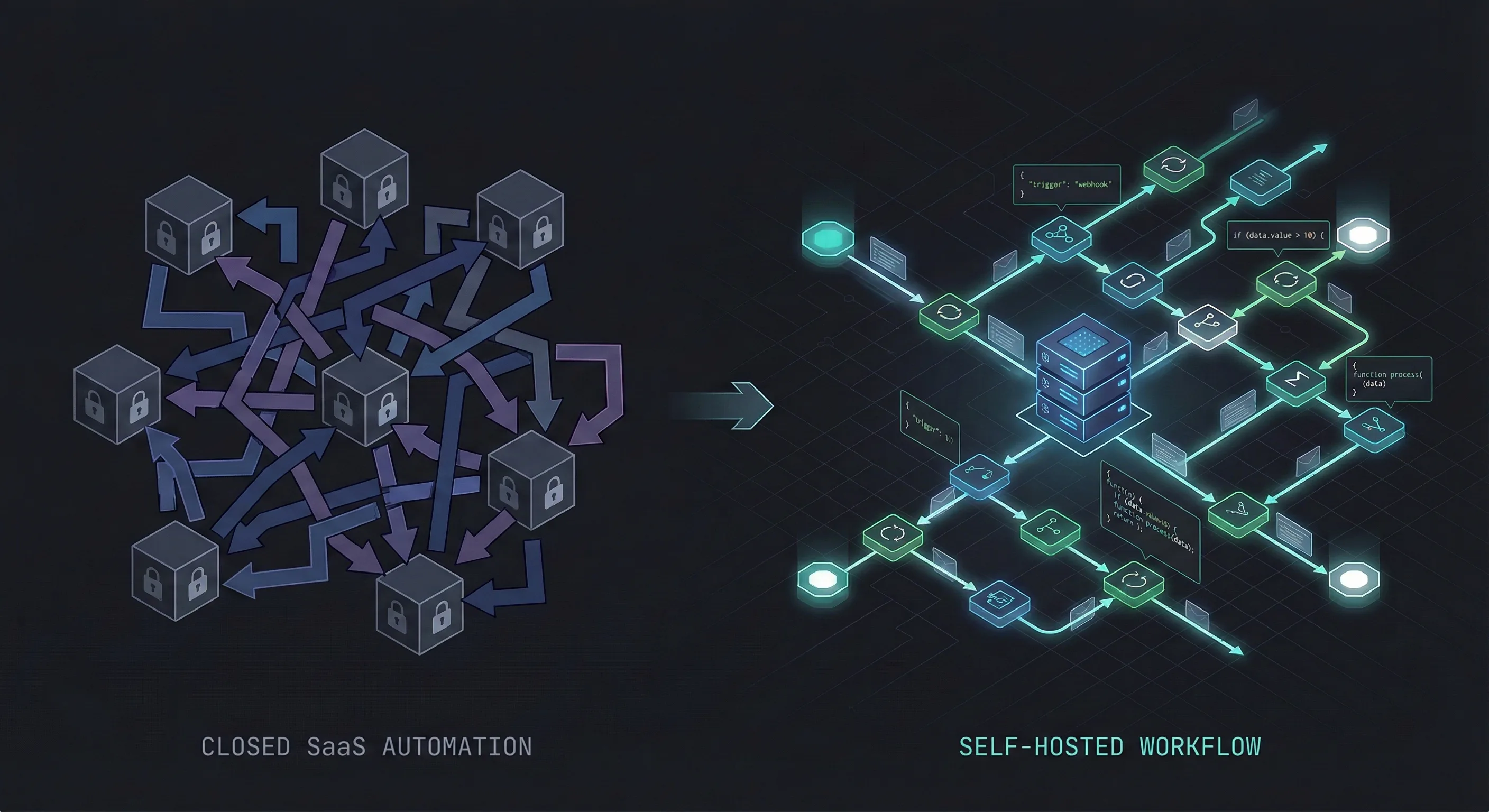
Building an AI Receipt Organizer with n8n & Gemini
How I built a private, self-hosted receipt scanner that automatically categorizes and renames files in my Google Drive using Telegram and Gemini.
The Problem with "Smart" Expense Apps
There is no shortage of apps that promise to organize your receipts. Expensify, QuickBooks, various banking apps. They all do the same thing. But they also come with the same tradeoffs. You either pay a monthly subscription for a simple feature, or you hand over your detailed financial history to a third-party server that you don't control.
I didn't want my data locked inside a proprietary walled garden. I wanted my receipts to live where I actually work: inside my Google Drive, organized in my folders, accessible forever without a login.
So I built my own.
The Solution: n8n + Gemini AI
I designed a workflow using n8n that acts as a personal accountant. The interface isn't a clunky custom app. It's just Telegram.
Here is the flow:
- I buy a coffee or pay a software subscription.
- I snap a picture (or forward the PDF invoice) to my Telegram bot.
- The bot replies a few seconds later: "Saved to 'Eating Out' folder."
Under the hood, the system is doing a lot of heavy lifting to ensure I never have to rename a file manually again.
How It Works
The core of this system is Google's Gemini 2.5 Flash. It is currently one of the most cost-effective multimodal models available, meaning it can "see" images and read PDFs natively without needing expensive OCR tools.
1. The "Universal" Input
One major challenge was handling different file types. A photo of a dinner receipt is a JPEG, but a GitHub invoice is a PDF.
I set up a router in n8n that inspects the file's MIME type. If it's an image, it goes down the Vision path. If it's a PDF, it goes down the Document path. This ensures high accuracy regardless of the source.
2. Intelligent Extraction
I don't use rigid regex rules. Instead, I send the file to Gemini with a structured prompt asking for specific JSON fields:
- Vendor (e.g., "Starbucks")
- Total Amount
- Currency (It auto-detects USD vs CAD)
- Category
3. Dynamic Sorting & Renaming
This is the part I'm most proud of. The automation doesn't just dump files into a folder. It uses the extracted data to rename the file to a standard format:
YYYY-MM-DD_Vendor_Amount_Currency.ext
Then, it routes the file to specific Google Drive sub-folders based on the category (Groceries, Tech, Transport). If Gemini detects I bought a hard drive, the file lands in /Receipt Hub/Tech & Office. If I bought a sandwich, it goes to /Receipt Hub/Eating Out.
Why Build This?
I could have just used a standard scanner app. But building this in n8n gave me total flexibility.
I now have a Google Sheet that acts as a live database of every dollar I spend, linked directly to the proof of purchase in Drive. Come tax season, I don't have to scramble to find receipts or export data from a SaaS tool. I just zip the folder and send it to my accountant.
Self-Host It
If you are already running n8n, this is a lightweight addition to your instance. I've open-sourced the workflow JSON so you can skip the setup time. You will just need to plug in your own Google Drive folder IDs and a Telegram bot token.
Grab the workflow below.
Download Resource
Get the workflow file and start automating today