Automating Stripe Payment Flows with n8n: From Invoice to Delivery
How I built a completely automated payment system that sends digital resources instantly when customers pay and follows up on unpaid invoices—all without touching code in production.
When you run a digital product business, there's a narrow window between "customer paid" and "customer gets impatient." I needed a system that could deliver resources instantly on payment and automatically chase unpaid invoices without me lifting a finger.
Here's how I built a completely automated Stripe payment system using n8n that handles everything from instant resource delivery to smart payment reminders.
The Problem: Trusting Customers Cost Me Thousands
Before automation, I was running my business the "nice guy" way:
- Client books a service or buys a digital product
- I'd send them the resources immediately (Google Drive links, files, whatever they needed)
- Then I'd create an invoice in Stripe and send it
- And wait. And wait. And wait.
The brutal reality: About 40% of people who got resources upfront never paid. They'd get the files, ghost me, and I'd spend weeks chasing payments that would never come.
Even for the people who intended to pay, the process took forever. Without urgency, invoices would sit in inboxes for days or weeks. My cash flow was a mess because I was essentially running an honor system payment model.
This was broken for two reasons:
- Revenue leakage: Thousands of dollars in unpaid invoices. People already had what they needed, so why pay?
- Time waste: Hours every week manually sending follow-up emails, DMing clients, awkwardly asking for money for work I'd already delivered.
The Solution: Three Automated Workflows
I built three separate n8n workflows that work together:
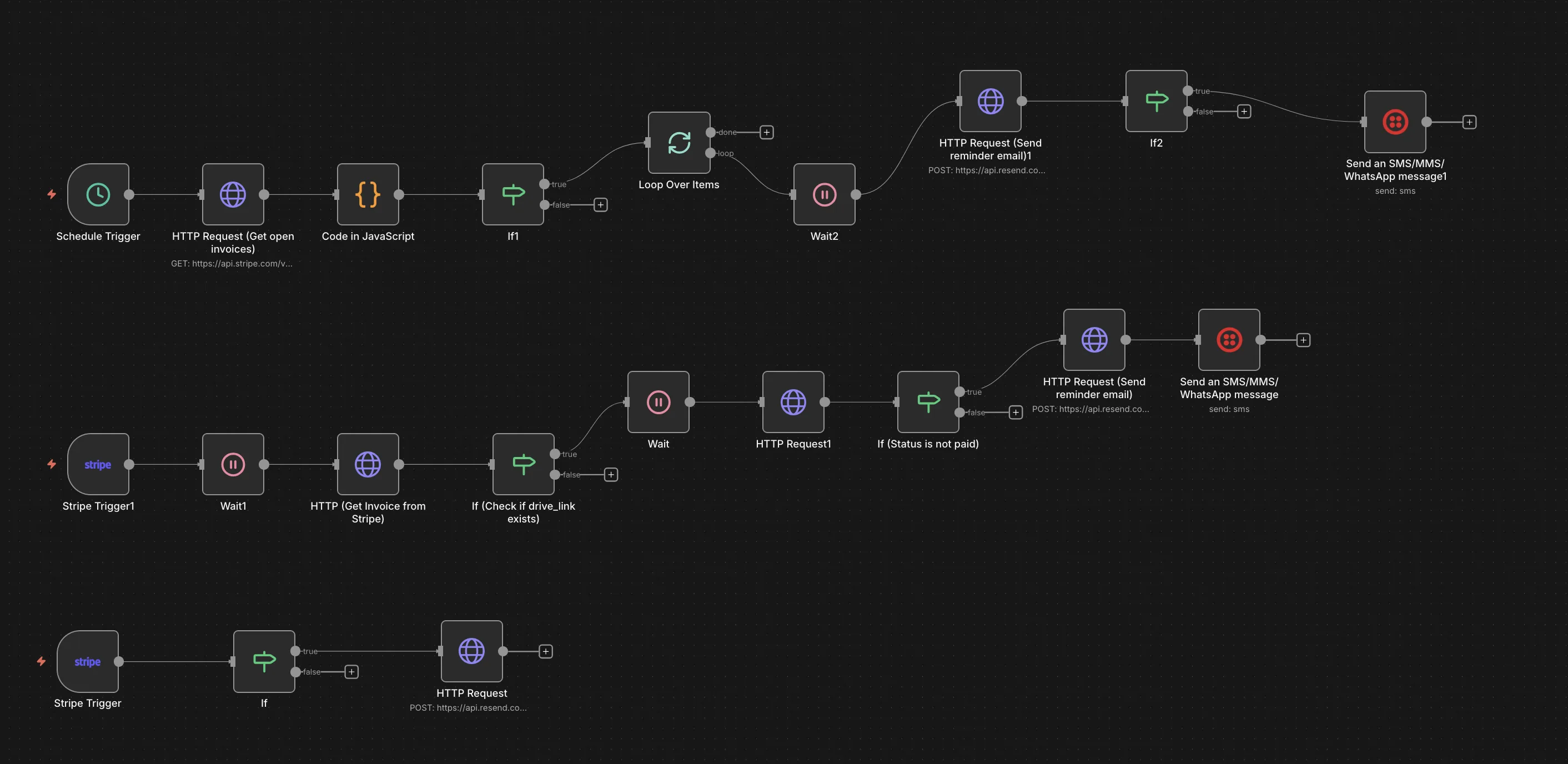 The complete automation system: payment confirmation, smart reminders, and scheduled chasers
Workflow 1: Instant Resource Delivery
When a customer pays, they get their resources immediately. No delays, no manual intervention.
How it works:
- Stripe webhook fires on
invoice.payment_succeeded - n8n checks if the invoice has a
drive_linkin metadata (this is where I store the Google Drive folder URL) - If it exists, immediately send a branded email via Resend with the access link
The email template is clean and professional—white background, centered content, big blue button. It reassures the customer their payment went through and gives them instant access.
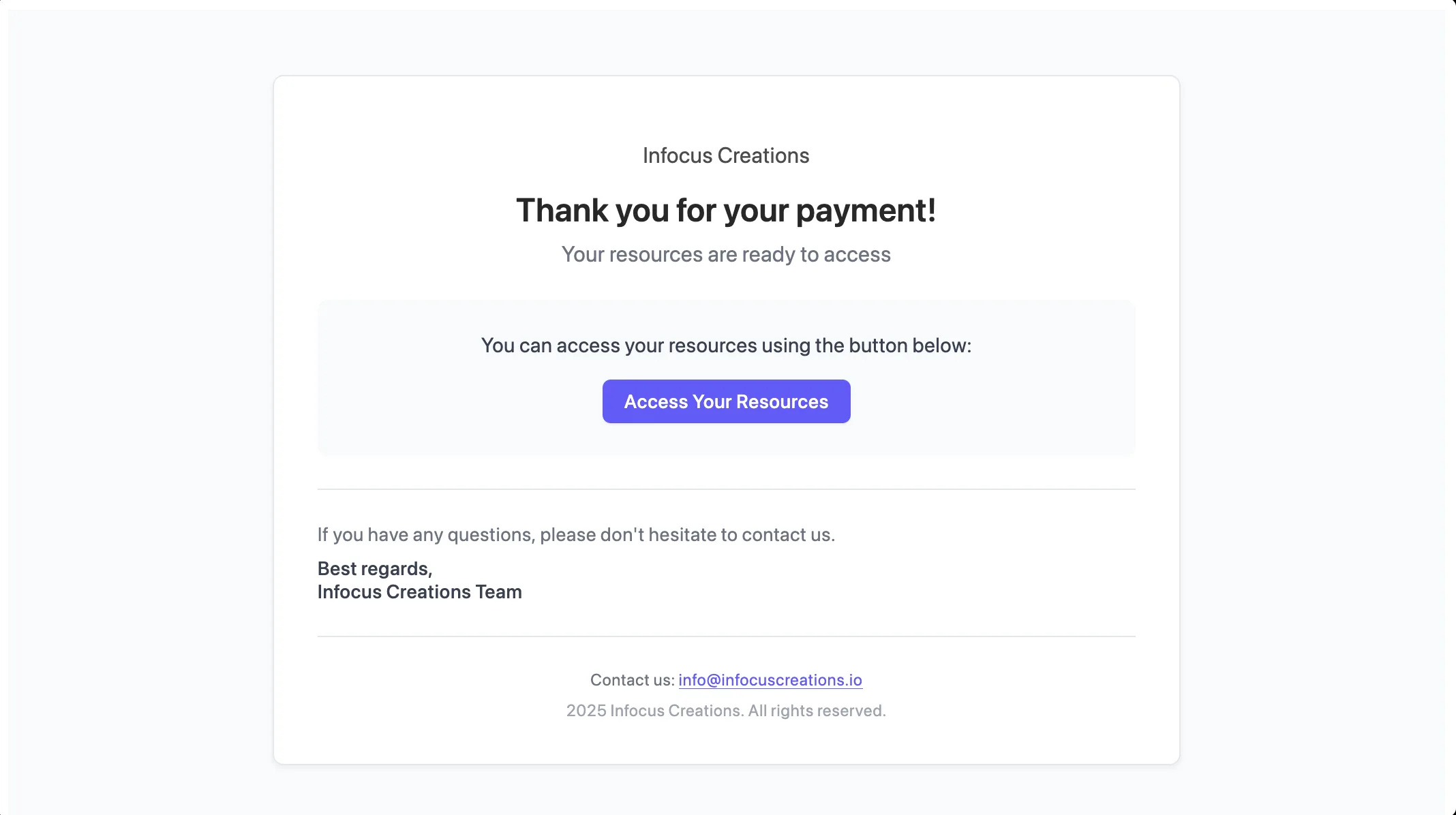 The automated email customers receive immediately after payment
Why this matters: A customer who pays and gets instant access is happy. A customer who pays and waits is anxious. This eliminates that anxiety entirely.
Workflow 2: Smart Payment Reminders (Event-Based)
When an invoice is created but not immediately paid, the system waits 30 seconds (to avoid triggering if they pay right away), then checks if payment is still pending.
The flow:
- Stripe webhook fires on
invoice.finalized - Wait 30 seconds (gives customer time to pay)
- Fetch the latest invoice data from Stripe
- Check if
drive_linkmetadata exists (means this is a product/service invoice, not a subscription) - Wait another 30 seconds
- Check payment status again
- If still unpaid, send reminder email with payment link
- Send SMS reminder via Twilio (if phone number exists)
Why the double-wait? The first 30 seconds prevents spamming someone who's literally in the middle of paying. The second wait ensures the invoice hasn't been paid between the check and the reminder send.
The reminder email is gentle but clear: "Your resources are ready, complete payment to access them." The SMS is even shorter and includes the direct payment link.
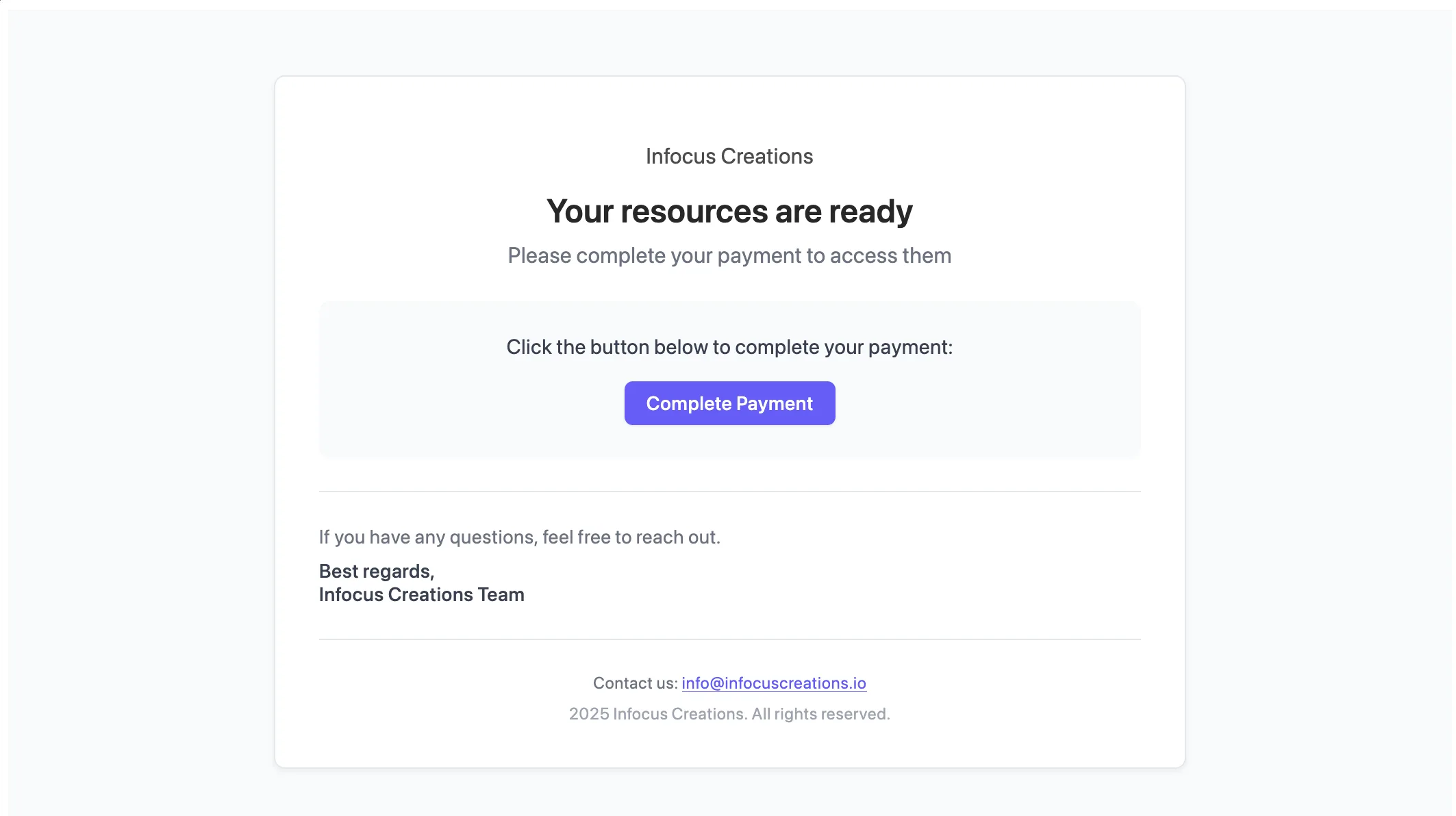 The automated reminder email for unpaid invoices
Workflow 3: Scheduled Invoice Chaser
This is the safety net. Every day, n8n runs a scheduled job that finds all unpaid invoices and sends reminders.
The flow:
- Schedule trigger runs daily
- Fetch all open invoices from Stripe API
- JavaScript code node filters for invoices with
drive_linkmetadata - Loop through each unpaid invoice (with 1-second delay between sends to avoid rate limits)
- Send reminder email
- Send SMS if phone number exists
Why JavaScript? The Stripe API returns a lot of noise—subscriptions, partial payments, drafts. I needed precise control to filter only the invoices that matter: finalized, unpaid, and tied to a digital resource.
Technical Details That Matter
Metadata Strategy
Every Stripe invoice I create includes metadata:
metadata: {
  drive_link: "https://drive.google.com/drive/folders/..."
}
 How I store the Drive link in Stripe's metadata field
This single field drives the entire automation. If drive_link exists, the system knows:
- This is a digital product/service
- The customer should get instant delivery on payment
- Unpaid invoices need reminders
Email Provider Choice
I use Resend instead of SendGrid or Mailgun because:
- Simpler API (just an HTTP POST request)
- Better deliverability for transactional emails
- Cleaner pricing model for low-volume use
SMS as a Backup Channel
Email is reliable, but sometimes invoices get lost in spam or forgotten. SMS has a 98% open rate. If a phone number exists in Stripe, the system sends a concise text with the payment link.
I use Twilio because it's battle-tested and has a dead-simple API.
Rate Limiting in Loops
When processing multiple unpaid invoices, I use a 1-second wait between each iteration. This prevents hitting Resend's rate limits and looks less like spam to email providers.
Results
Since deploying this system:
- Zero manual invoice follow-ups. I don't check Stripe anymore.
- Faster delivery. Customers get resources within seconds of payment, even at 2 AM.
- Higher conversion on unpaid invoices. The automated reminders recover about 30% of invoices that would have gone cold.
But the biggest win? No more giving away work for free. The system completely eliminated the "send resources first, pray for payment later" problem. Payment now comes before access, every single time, with zero manual intervention.
Why n8n Instead of Zapier or Make?
For this workflow, n8n wins because:
- No operation limits. I don't pay per task. The scheduled daily job processes hundreds of invoices without added cost.
- First-class code nodes. The JavaScript filtering logic would cost extra "Code" steps in Zapier.
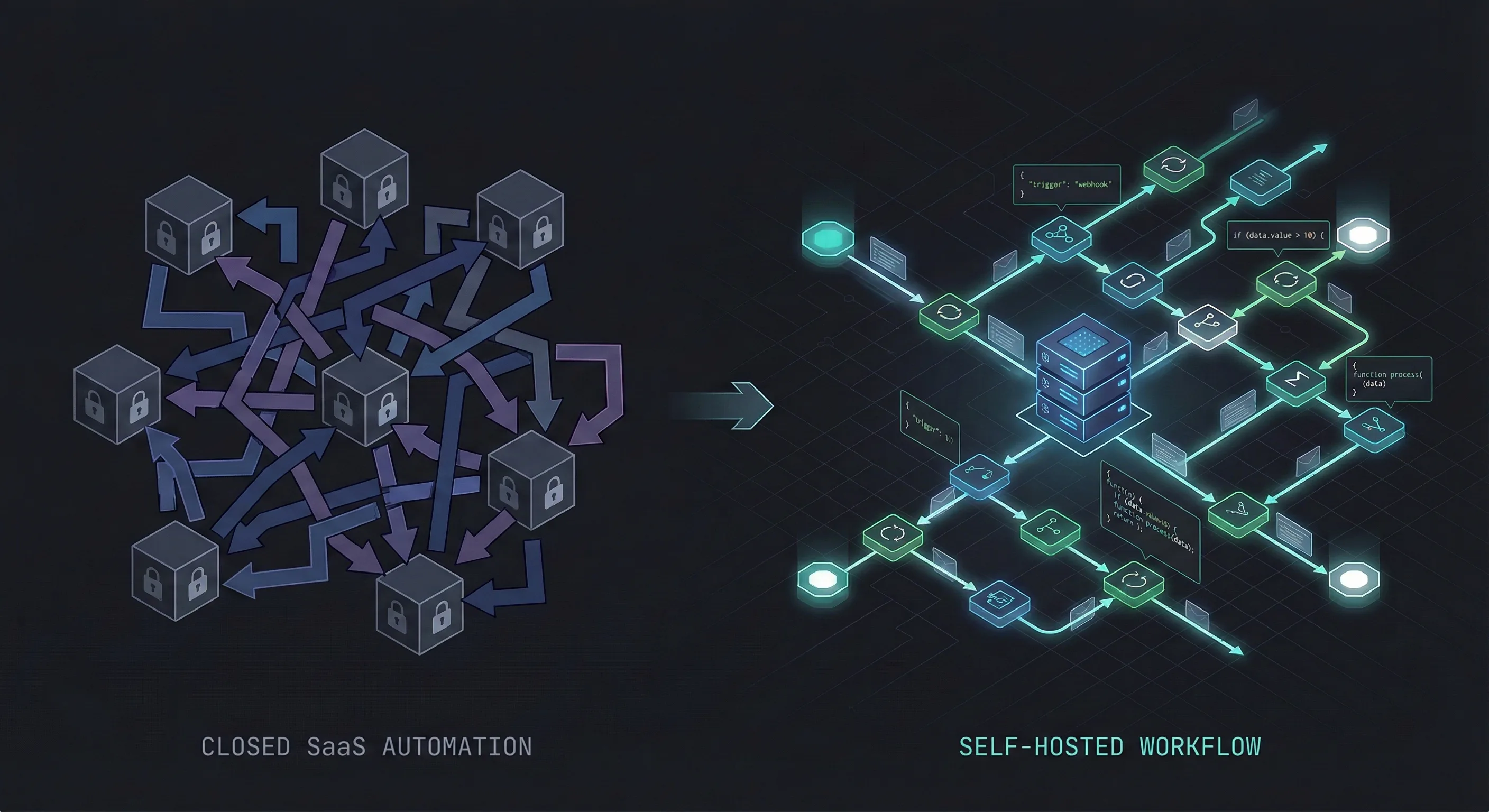
- Self-hosted privacy. My Stripe API keys and customer emails never leave my server.
Lessons Learned
Start with the instant win. I built Workflow 1 (instant delivery) first. It took 20 minutes and immediately improved customer experience. Then I added the reminder flows.
Metadata is your friend. Stripe's metadata fields are criminally underused. They let you attach business logic to invoices without custom database tables.
Test edge cases. What if someone pays between the "check" and the "send reminder"? What if the Drive link is malformed? Build in checks for everything.
Next Steps
I'm planning to add:
- Slack notifications when high-value invoices go unpaid for 48 hours
- Dynamic reminder schedules (Day 1, Day 3, Day 7 instead of daily blasts)
- A/B testing different email copy to see what converts better
If you're running any kind of digital product business and dealing with unpaid invoices or slow payment cycles, this system will change everything. I went from losing 40% of revenue to unpaid invoices to collecting nearly everything, all while saving dozens of hours every month.
The code is simple, the logic is bulletproof, and the results speak for themselves. Payment before access. Every single time. Automatically.